
Fix error 500 issue when adding users on poste mailserver
Issue: HTTP 500 Error on User Creation (Poste.io v2.3.10)
The Problem
When attempting to create a new email account via the Poste.io administration panel, the system returned an HTTP 500 Internal Server Error.
The Root Cause (The Truth)
The failure was a database schema integrity violation within the SQLite backend. Specifically:
-
Database File:
users.db -
The Error:
NOT NULL constraint failed: users.internalOnly -
The Conflict: The database schema for the
userstable required a value for theinternalOnlycolumn (set toNOT NULL). However, the web administration form in version 2.3.10 was not sending a value for this field during theINSERToperation. Because no default value was defined in the schema, the database rejected the transaction, crashing the PHP process.
The Solution
The issue was resolved by manually altering the SQLite database schema to provide a default value for the problematic column. This allows the database to accept the form submission even when the internalOnly flag is missing.
Step-by-Step Resolution:
-
Located the correct database: Identified
users.dbin the/datadirectory as the host of theuserstable. -
Modified the Schema: Performed a table reconstruction to add a
DEFAULTconstraint:-
Created a temporary table with the correct schema:
internalOnly BOOLEAN NOT NULL DEFAULT 0. -
Migrated all existing user data to the new structure.
-
Restored the original table name and all associated indexes (
IDX_1483A5E98DFE9A8,login,search, etc.).
-
-
Result: The "Submit" action now succeeds because the database automatically populates the
internalOnlyfield with0when the application fails to provide it.
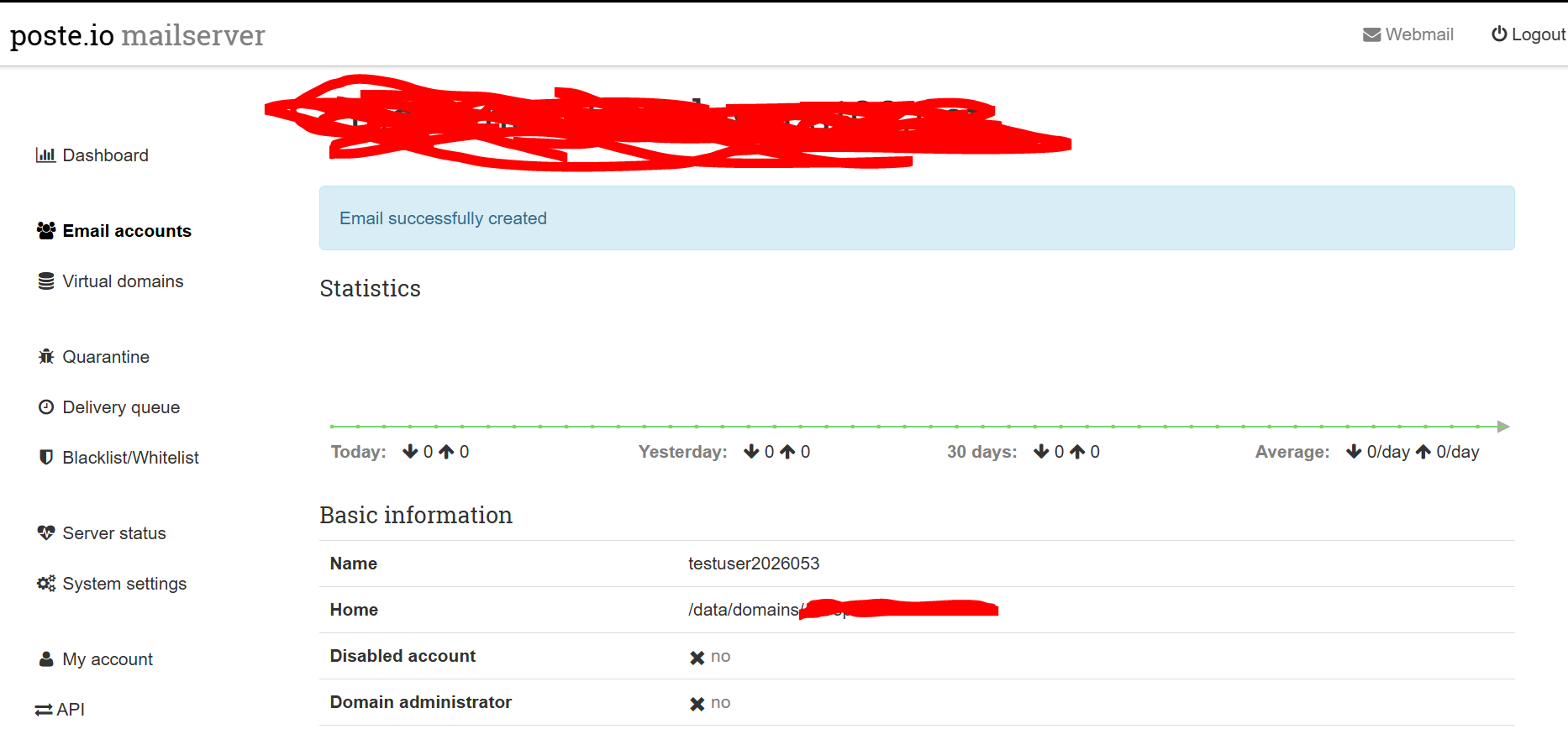
The screen will look like this after successfully adding the user
Note: No service restart was required as SQLite handles schema changes dynamically for new connections